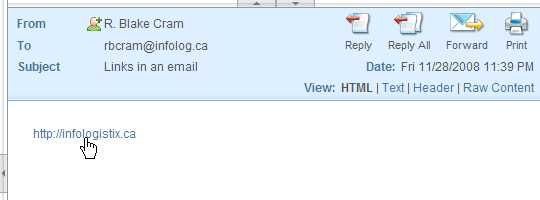
Your default view in webmail is set to plain text. That’s OK, it’s a best practice that prevents the automatic loading of remote images. Unfortunately it also renders links in the email unclickable. There is an easy fix. Just click on HTML in the View menu of a message display window (see the screen shots below)
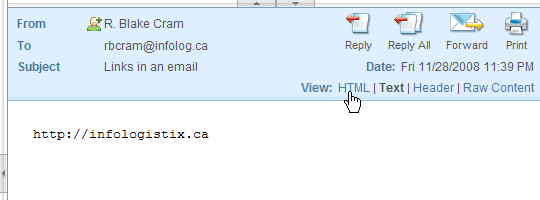
Now your links and your images will be present. You can now click on any embedded links.